
Setup
What it is — and is not
Windows 10 or 11. Intel or AMD. HVCI on. Core Isolation on. TPM on. Secure Boot on. Cloud DMA is required for full functionality. HWID spoofer is an additional purchase. Steps: Setup.
It is not a USB DMA card I had to flash. The name confuses people coming from hardware threads. Read Setup, not a forum pin from 2023.
Some shop threads suggest turning Windows security off. I wanted Windows left on.
Day one failure
Windows said HVCI on. BIOS said off. Grey menu. I thought the cheat was broken. Support asked if I actually rebooted after firmware. I had not.
Empty ESP on a compliant PC after green return usually means reboot order, not a broken product.
I almost refund-raged. It was firmware plus skipping Cloud DMA.
Do you need it
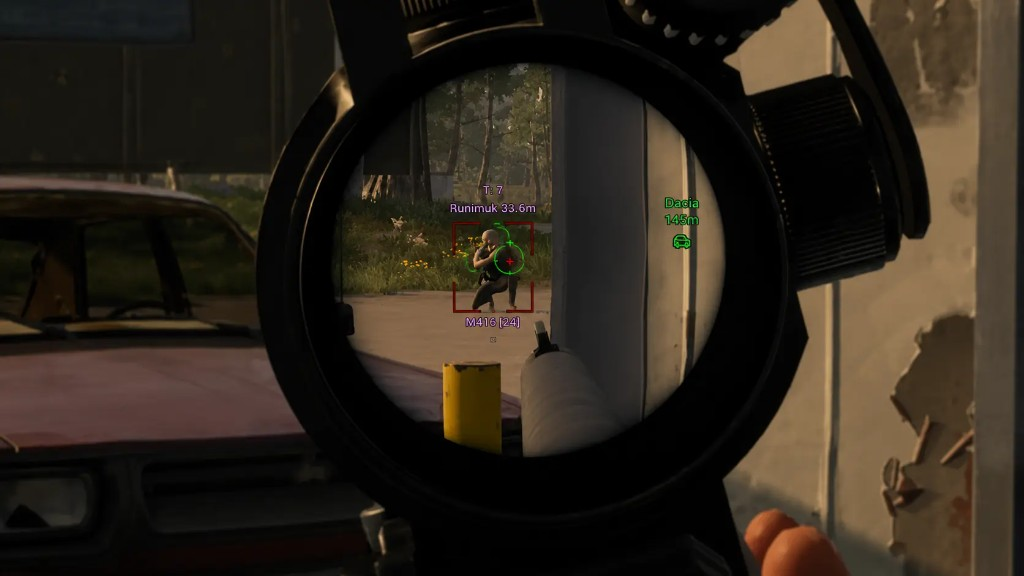
Player ESP, loot ESP, world ESP, aimbot — that is the license. Cloud DMA is still required for those to work fully. HWID spoofer is extra.
Do not assume ESP is broken until the requirements are met. Open Windows security and your BIOS. If they disagree, trust BIOS.
Write down HVCI, Secure Boot, TPM, Cloud DMA. Four yeses before you open a ticket.